 Ribbonwash
Animated gradient presets
Twelve ready-made animated mesh gradients for hero sections and backgrounds. Open one in the free editor, change the colors, curves and motion, and export it as an image, a video or HTML / React code.
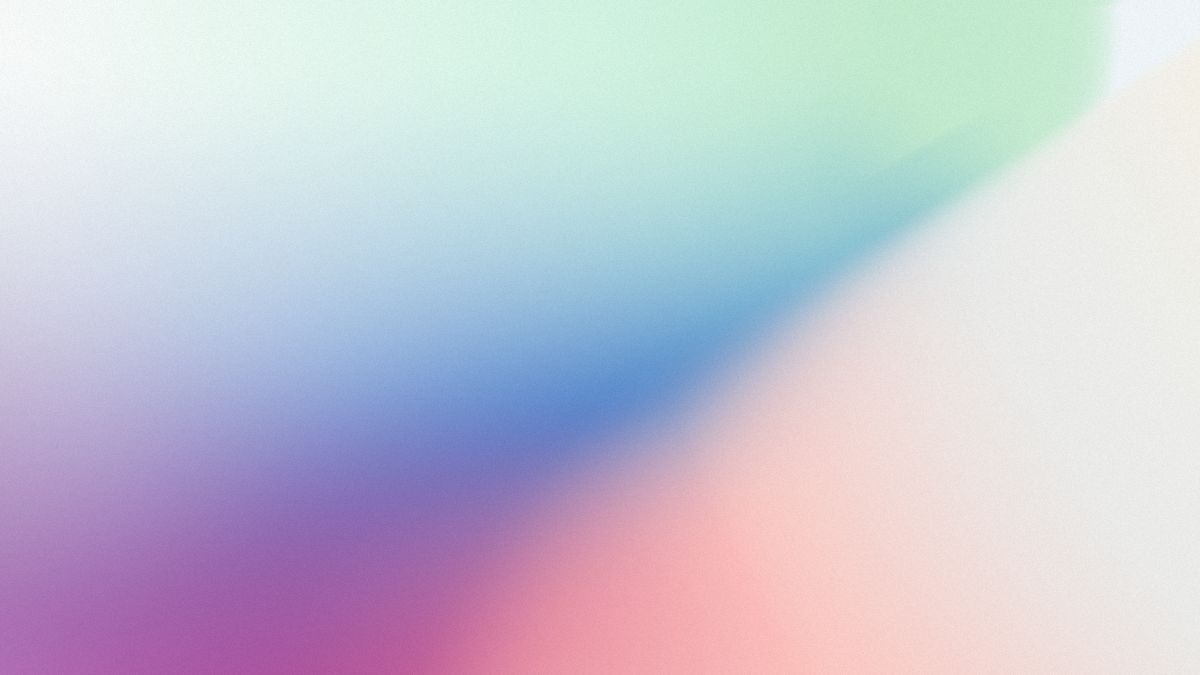
Airy SaaS 通透 SaaS
A light, airy mesh gradient for SaaS hero sections.
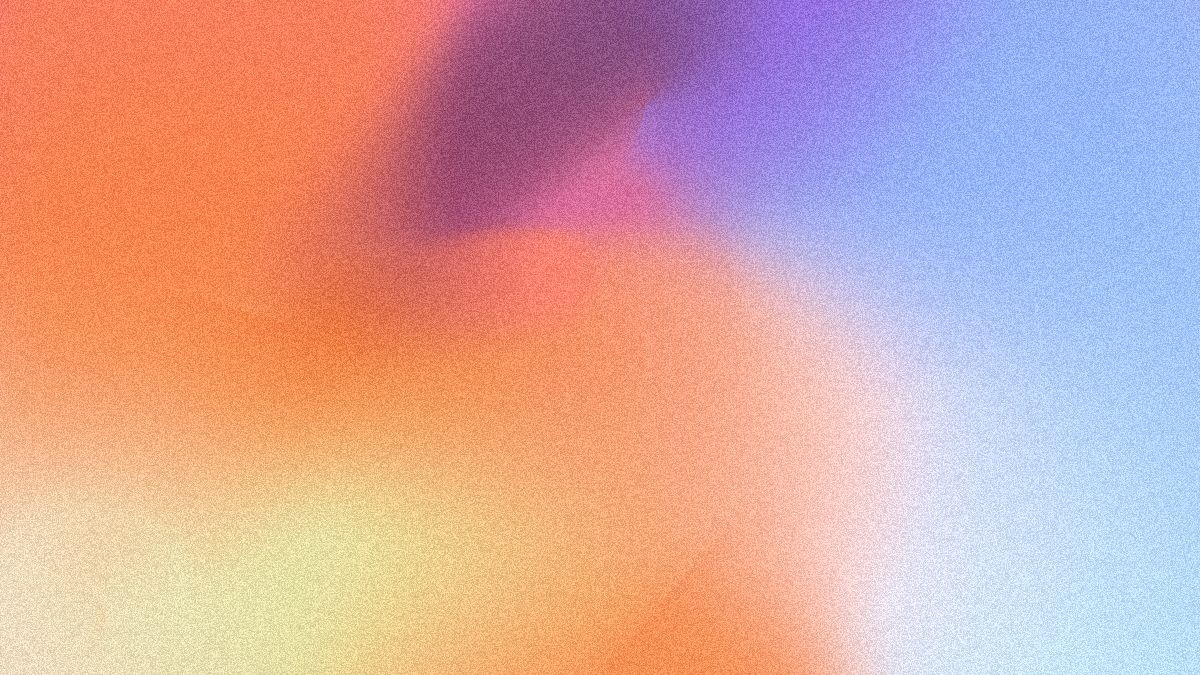
Pastel Grain 粉彩颗粒
Coral, periwinkle and cream pastels under film grain.
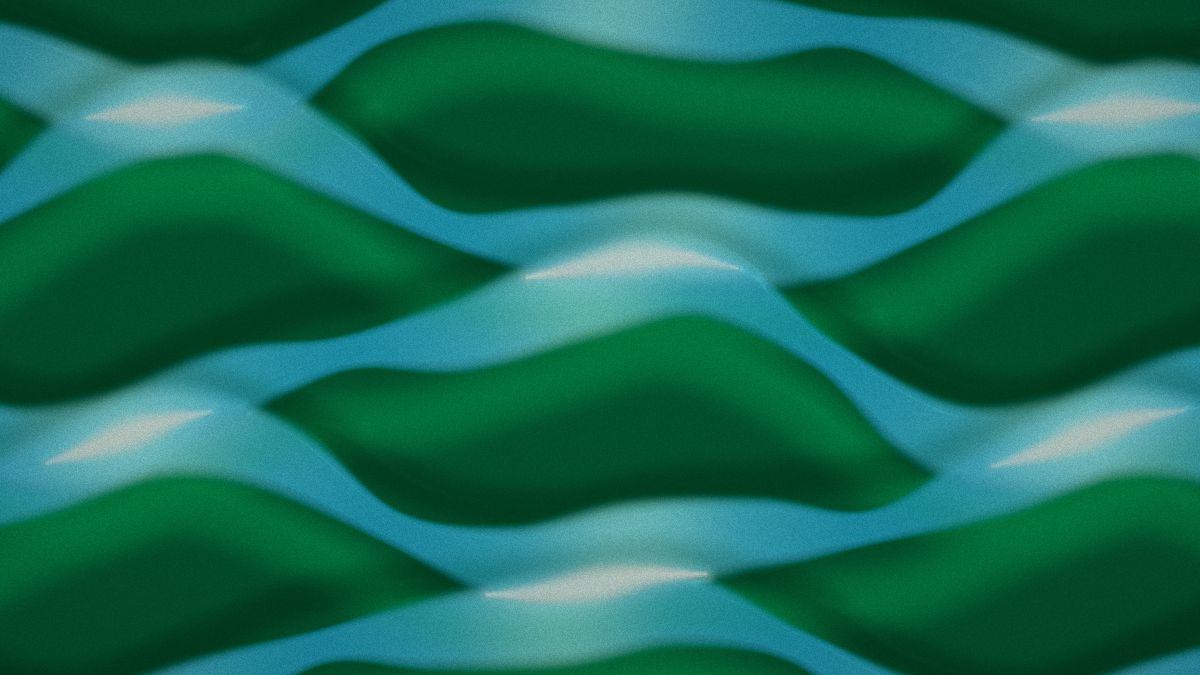
Pool Light 池光波纹
Sunlit pool water: cyan light bands over deep green.
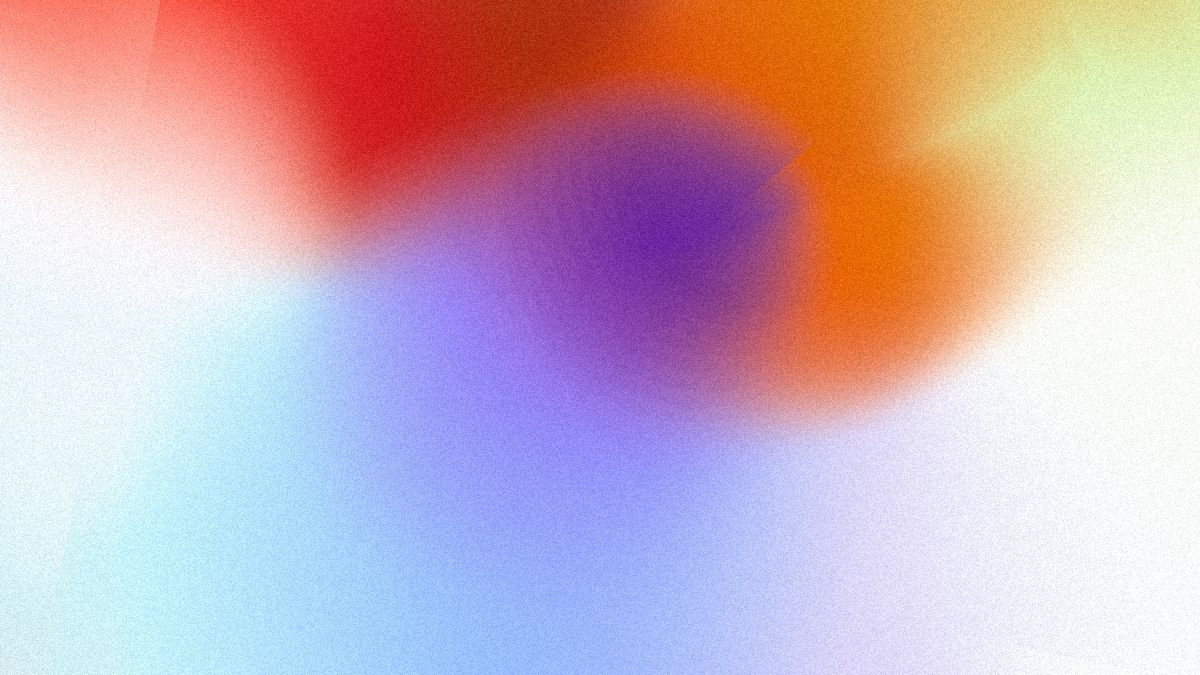
Soft Texture 柔和质感
Saturated color blots on white, under heavy animated grain.
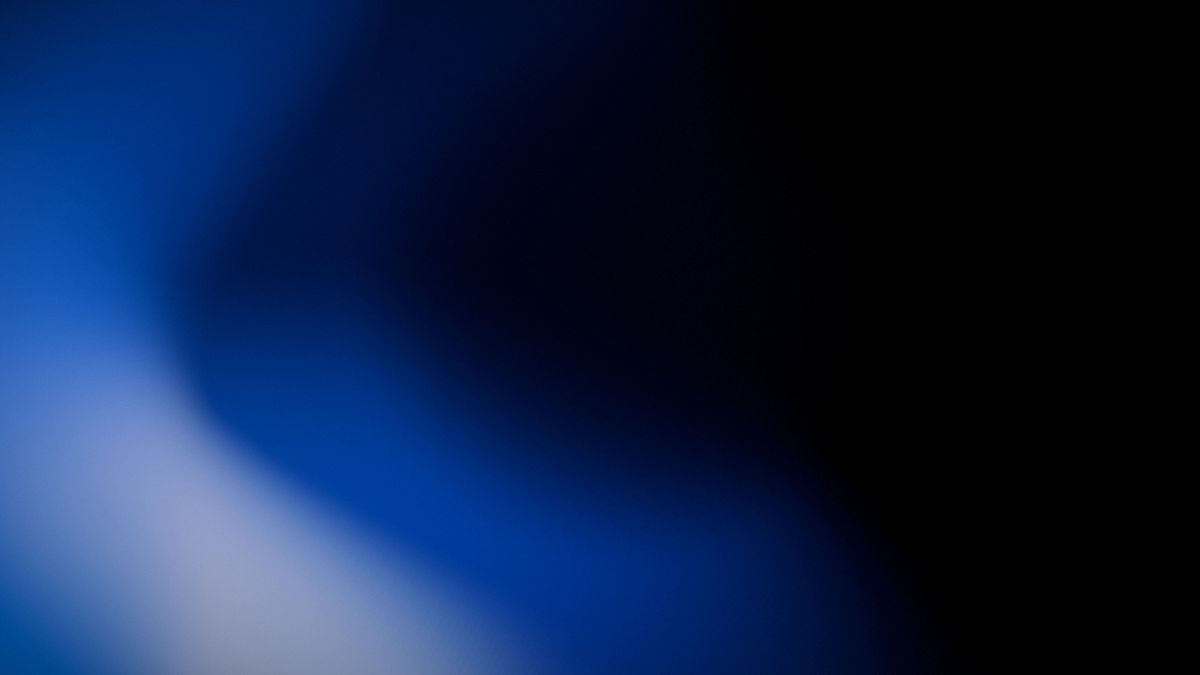
Midnight Glow 午夜辉光
An electric-blue glow rising out of black, with a vignette.
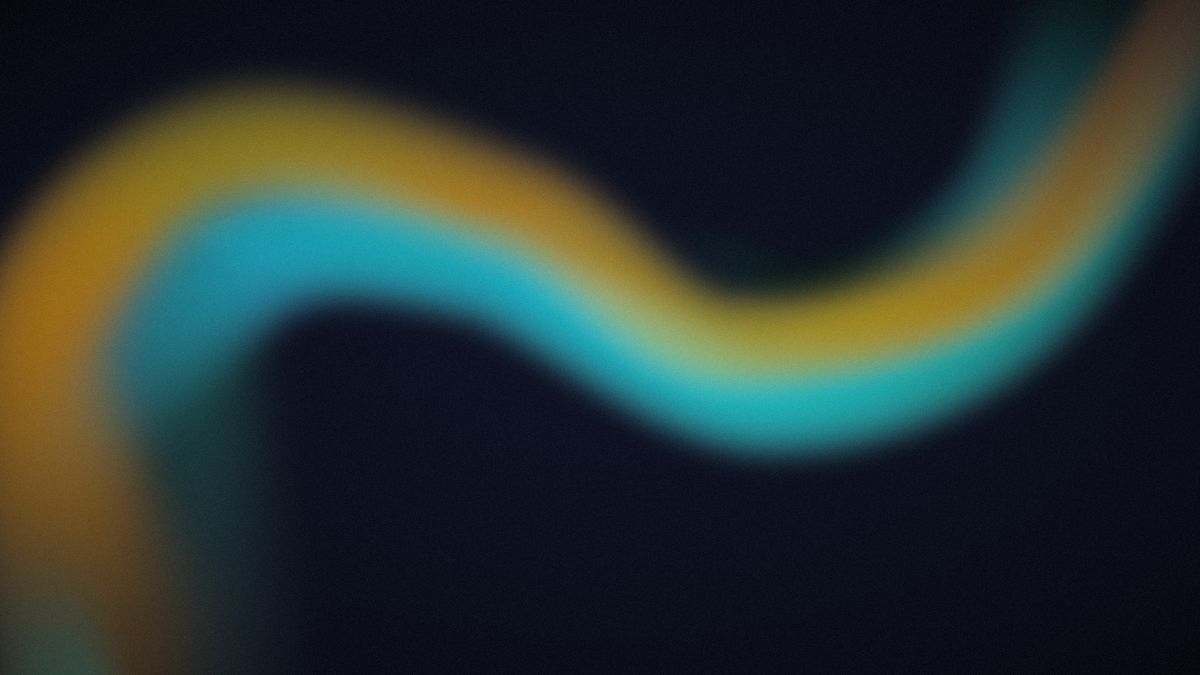
Aero Wave 气流波浪
Cyan and amber ribbons flowing along one wave.
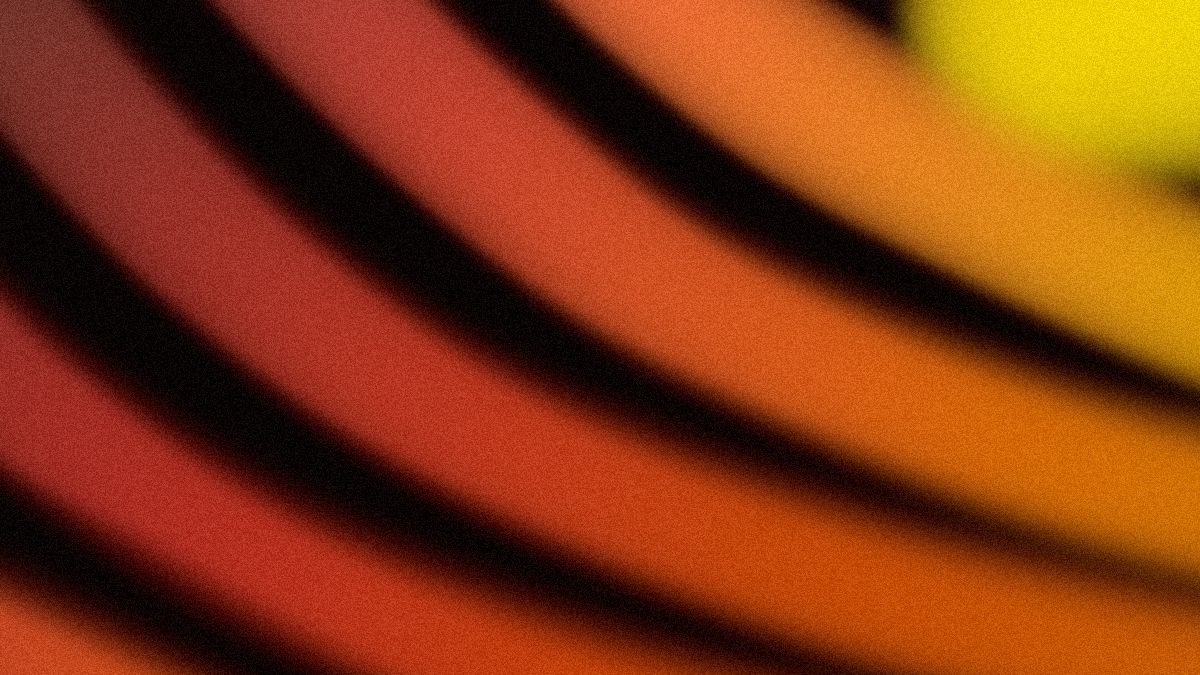
Ember Flow 余烬流光
Orange and red bands with dark seams under a golden glow.
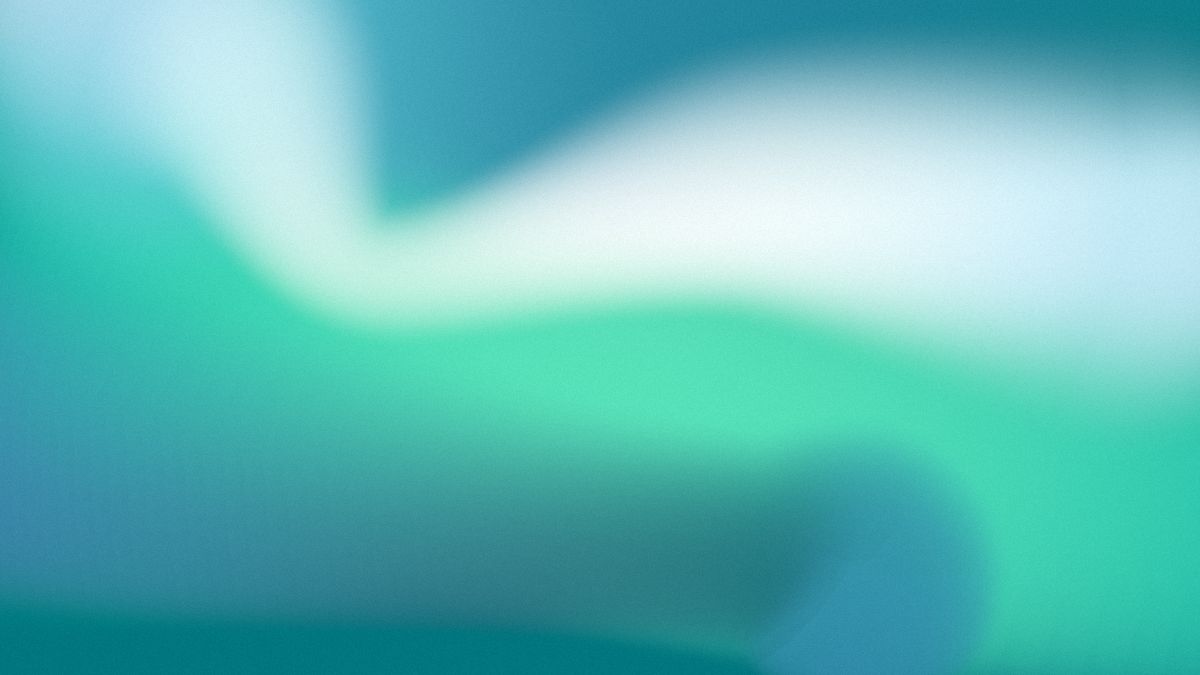
Aurora Mist 极光薄雾
Aqua and mint with a misty white band, like an aurora.
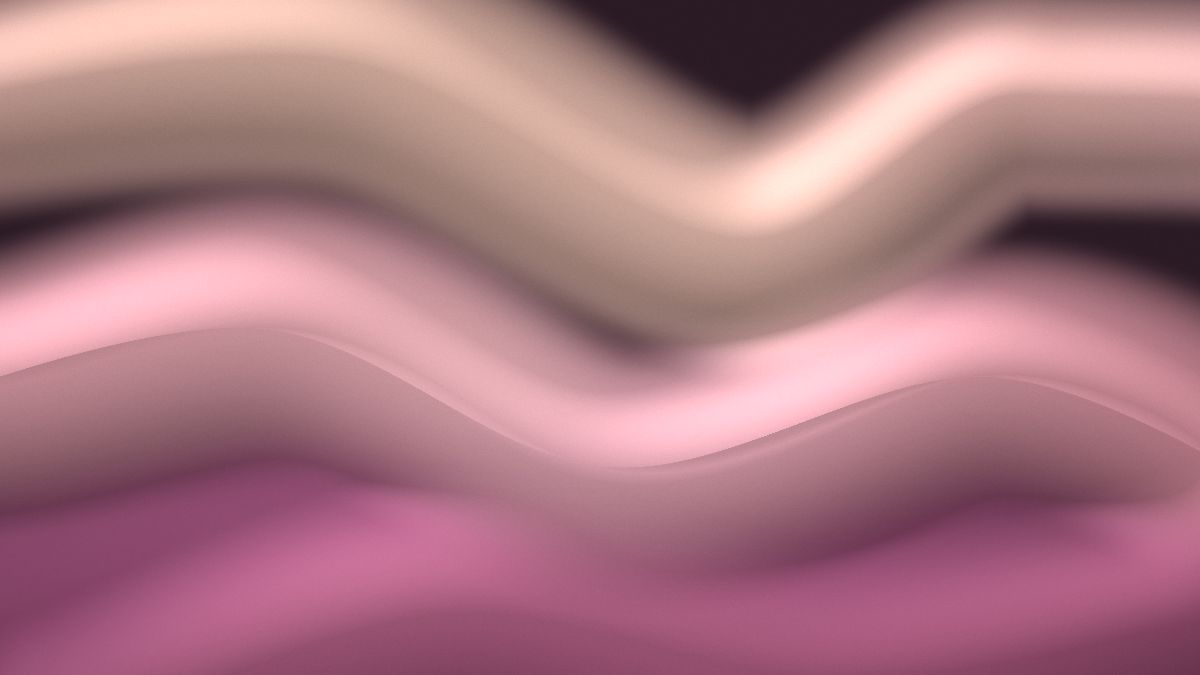
Silk 丝绸
Champagne and dusty-rose folds with a satin sheen.
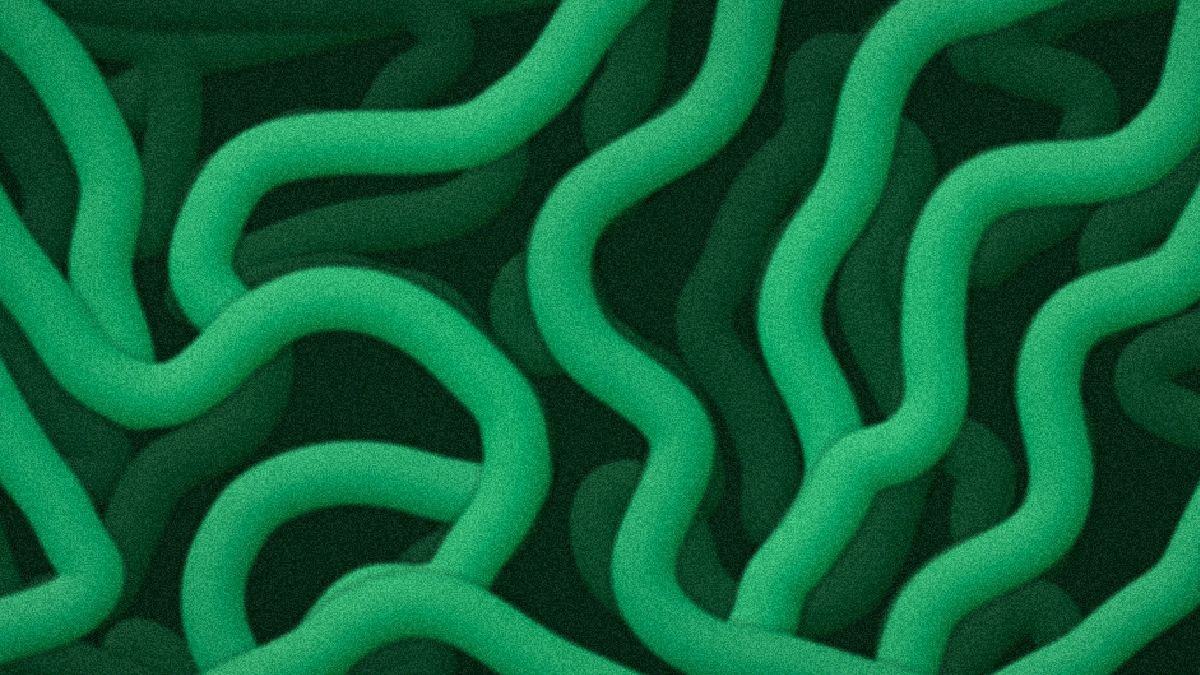
Moss Tangle 苔丝缠绕
Eleven green tubes tangled over dark moss.
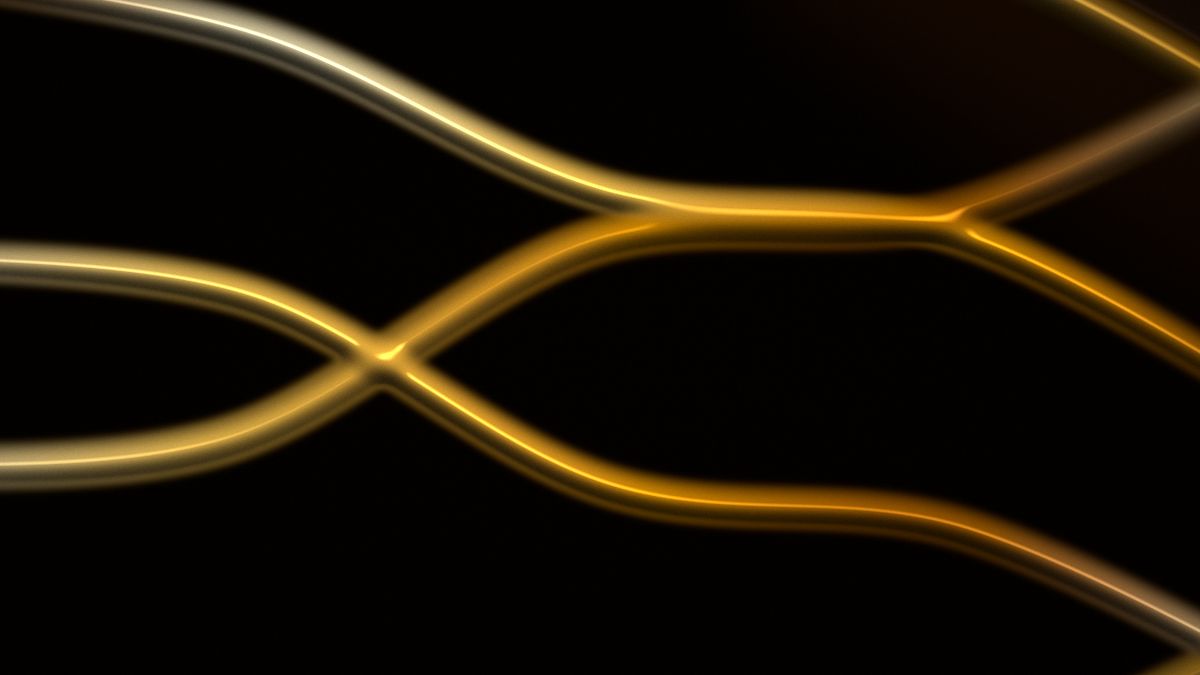
Golden Mesh 金色网格
Polished gold ribbons woven into a net over black.
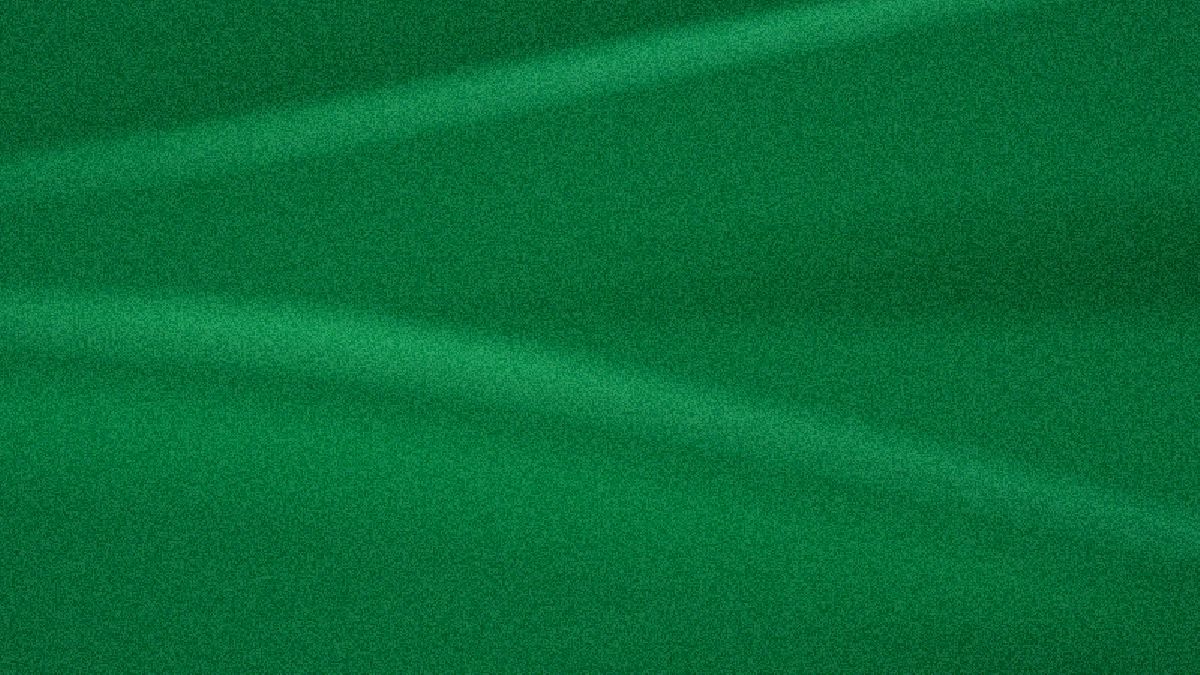
Velvet Hills 丝绒山丘
Layered velvet-green hills.
How presets work
- A starting point, not a lock-in. A preset opens as a new artwork. Every curve, color and motion can be edited, and your other artworks stay saved in Artworks.
- Also in the editor. All twelve are in Artworks → New artwork…, next to the other templates.
- Grain and vignette. The Canvas tab has Grain, Grain motion (how often per second the grain changes) and Vignette. Exports keep them.
- Effects. The Effects section sets Contrast, Saturation and Sheen, a light that gives the curves depth and gloss (Pool Light, Silk, Golden Mesh and Velvet Hills use it). Exports keep them too.
- Seamless loops. Every motion runs a whole number of times per loop, so videos and websites loop without a jump.